1.升级ruby
步骤一:
- 查看ruby版本
- ruby -v
步骤二
- 删除旧版本的CommandLineTools
removing the old tools (\$ rm -rf /Library/Developer/CommandLineTools)
install xcode command line tools again (\$ xcode-select --install).
步骤三
- 安装brew
/bin/bash -c "\$(curl -fsSL <https://raw.githubusercontent.com/Homebrew/install/master/install.sh>)"
如果报错 Failed to connect to raw.githubusercontent.com port 443
可以将raw.githubusercontent.com 复制到 https://www.ipaddress.com 查询
然后修改hosts 如下
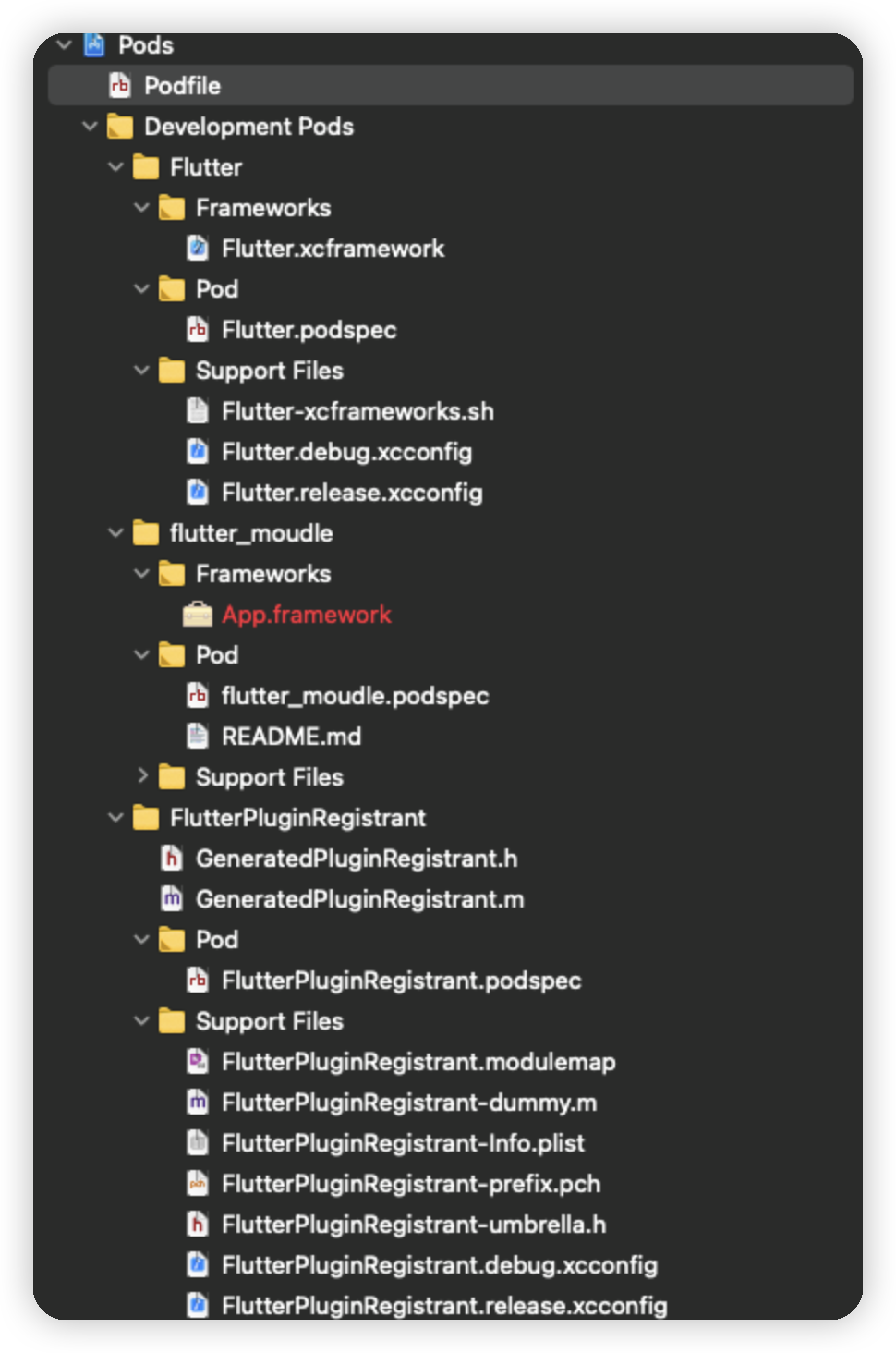
然后再重新运行
/bin/bash -c "$(curl -fsSL https://raw.githubusercontent.com/Homebrew/install/master/install.sh)"
如果出现error ` curl: (7) Failed to connect to raw.githubusercontent.com port 443: Operation timed out` 可以更换brew源如下 具体可参考 mac下镜像飞速安装Homebrew教程
/bin/bash -c "$(curl -fsSL https://cdn.jsdelivr.net/gh/ineo6/homebrew-install/install.sh)"
如果用这个方法 需要设置path路径
    ==> Next steps:
    - Add Homebrew to your PATH in /Users/zzhh-bj/.zprofile:
        echo 'eval "$(/opt/homebrew/bin/brew shellenv)"' >> /Users/zzhh-bj/.zprofile
        eval "$(/opt/homebrew/bin/brew shellenv)"
brew help测试下 功能可以用 就安装完成了。
步骤四
以下命令安装rvm
curl -L get.rvm.io | bash -s stable
source ~/.bashrc
source ~/.bash_profile
查看rvm版本
rvm -v
查看已知可安装的ruby版本
rvm list known
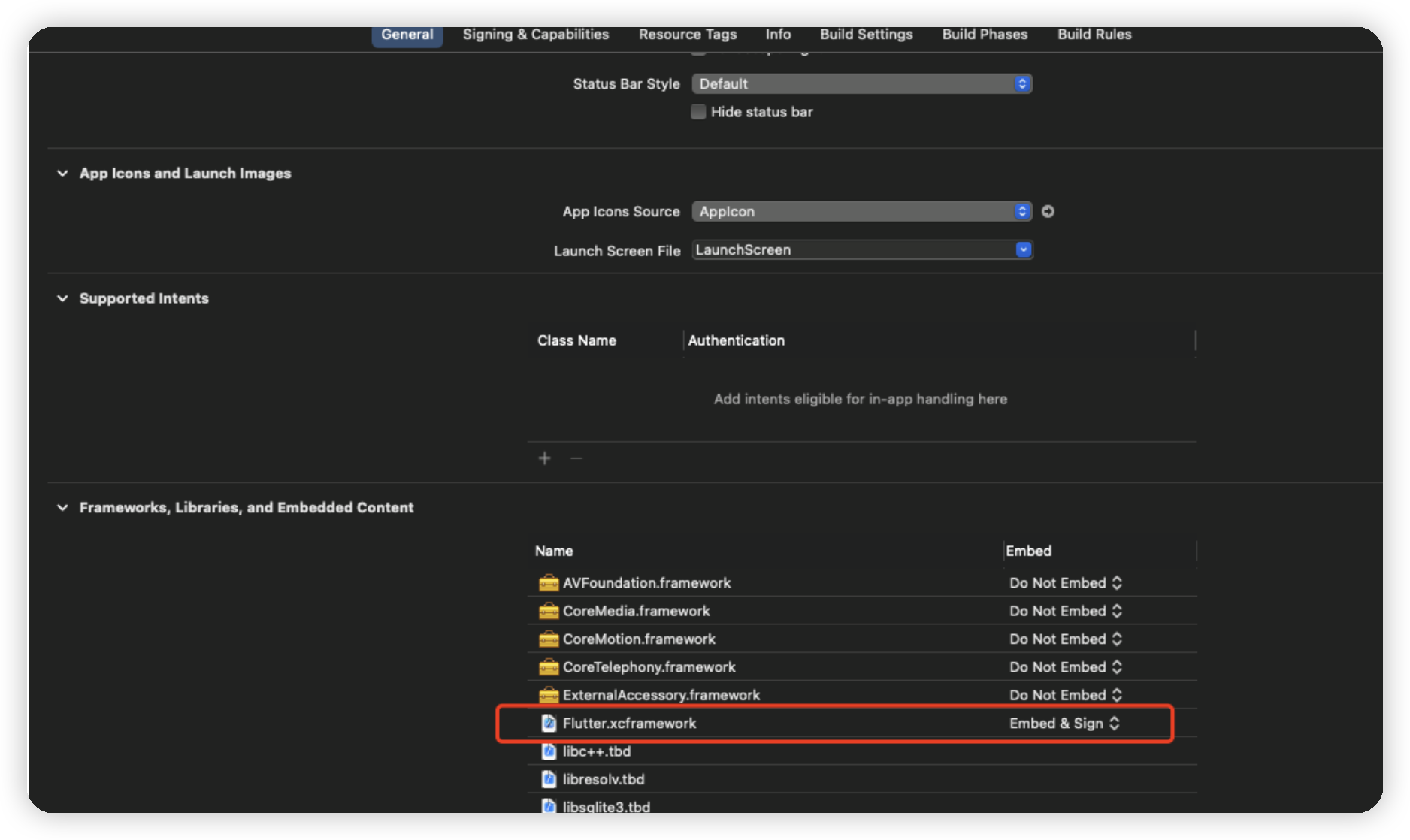
选择一个版本安装 我这里选的是最新的3.0版本
rvm install 3.0.0
rvm 设置默认版本
rvm use 3.0.0 --default
更新gem
sudo gem update --system
查看sources源
gem sources -l
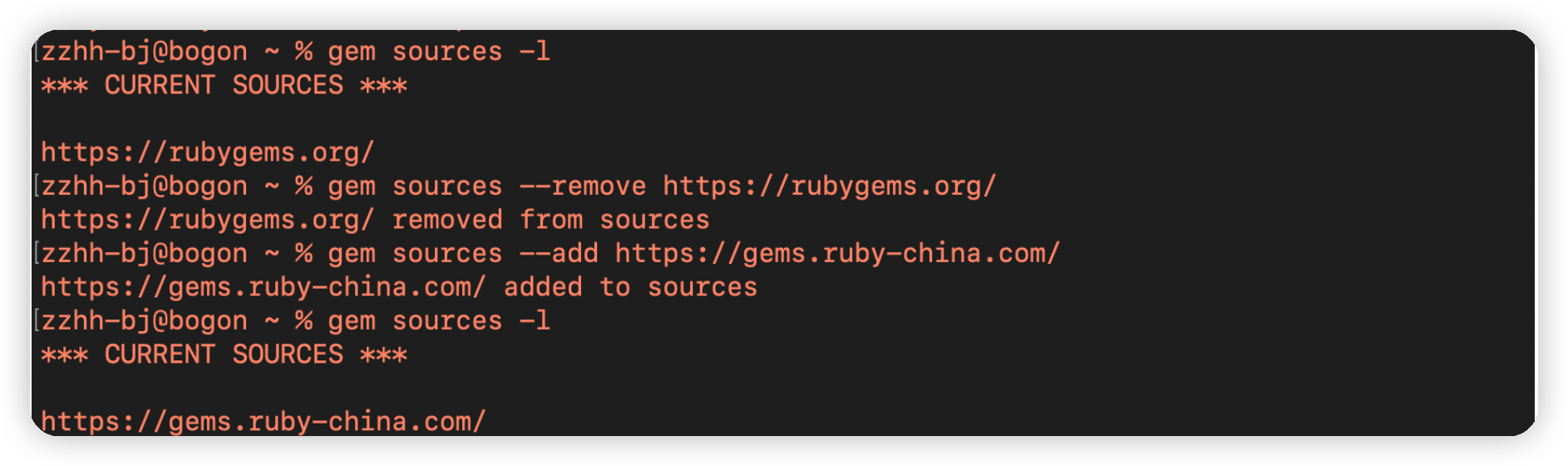
步骤五(安装cocoapods)
2.安装cocoapods
OS X 10.11之前系统的安装cocoapods 指令
sudo gem install cocoapods
OS X 10.11以后系统的安装cocoapods 指令
sudo gem install -n /usr/local/bin cocoapods
初始化
pod setup
- 设置清华源trunk
git clone https://mirrors.tuna.tsinghua.edu.cn/git/CocoaPods/Specs.git ~/.cocoapods/repos/trunk
或设置master
git clone https://github.com/CocoaPods/Specs.git ~/.cocoapods/repos/master